Guides
Meet A.F.R.O.B.O.T: Black-Owned Alternatives Wherever You Shop
Guides · · 3 min read
A.F.R.O.B.O.T stands for Algorithm For Redirection Of Black-Owned Traffic. It's CashBlack's browser extension, and it does one job: when you're shopping online, it shows you the Black-owned option and switches cashback on when you click through to it.
What It Does
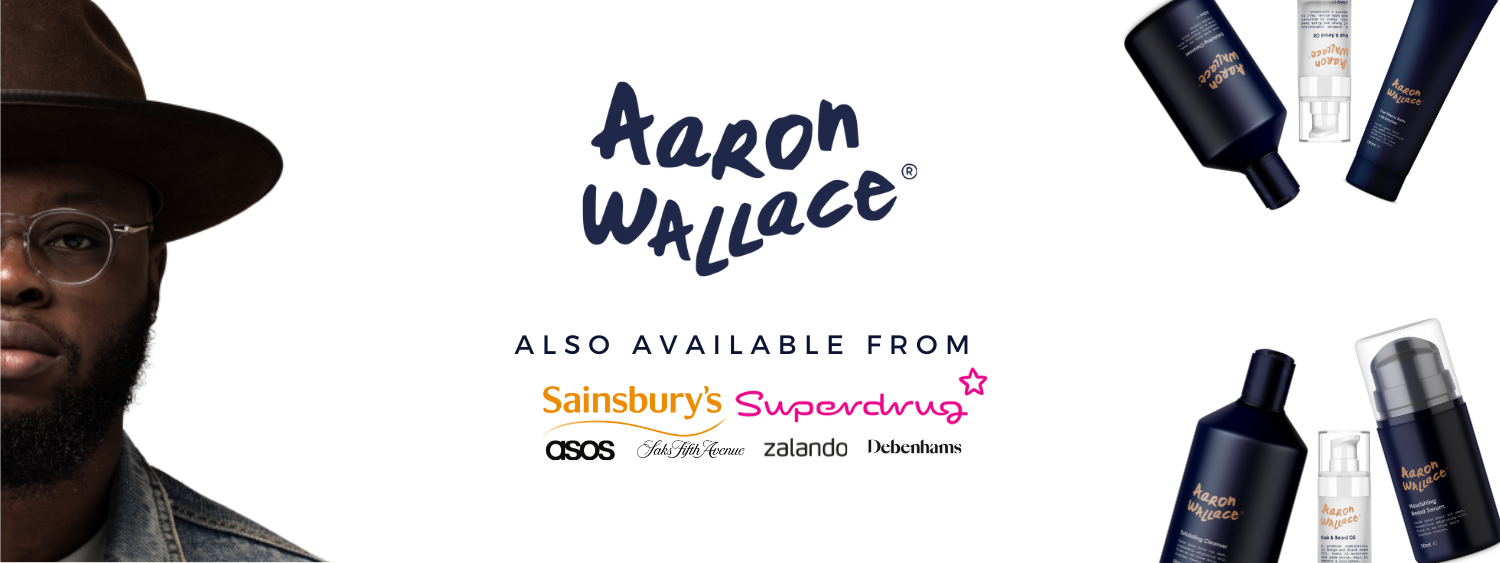
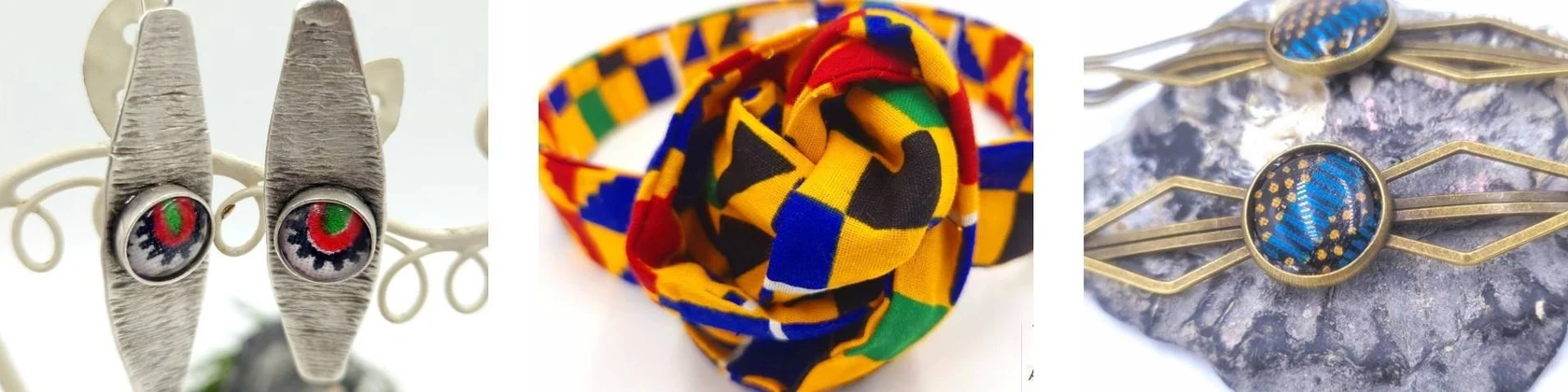
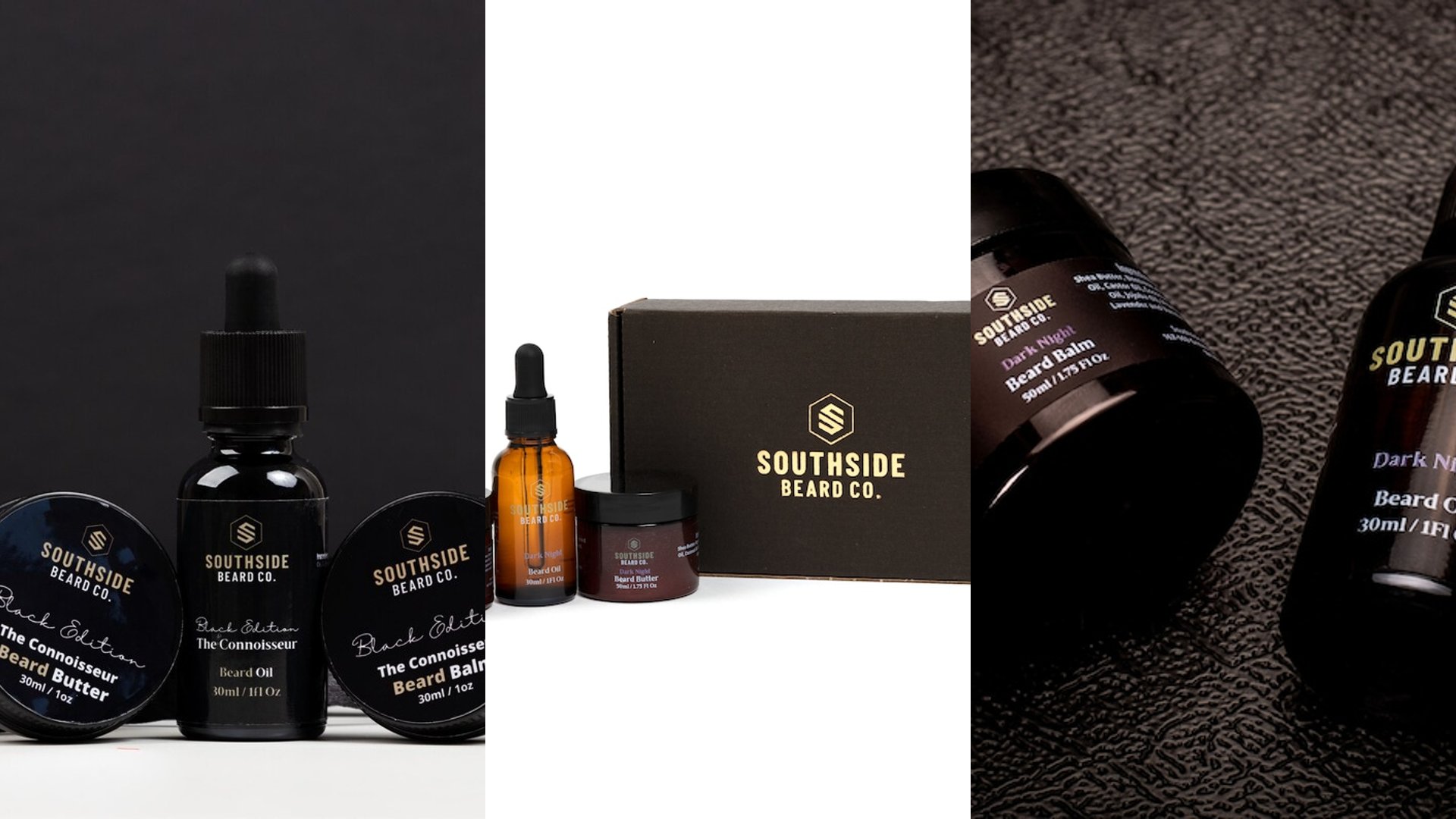
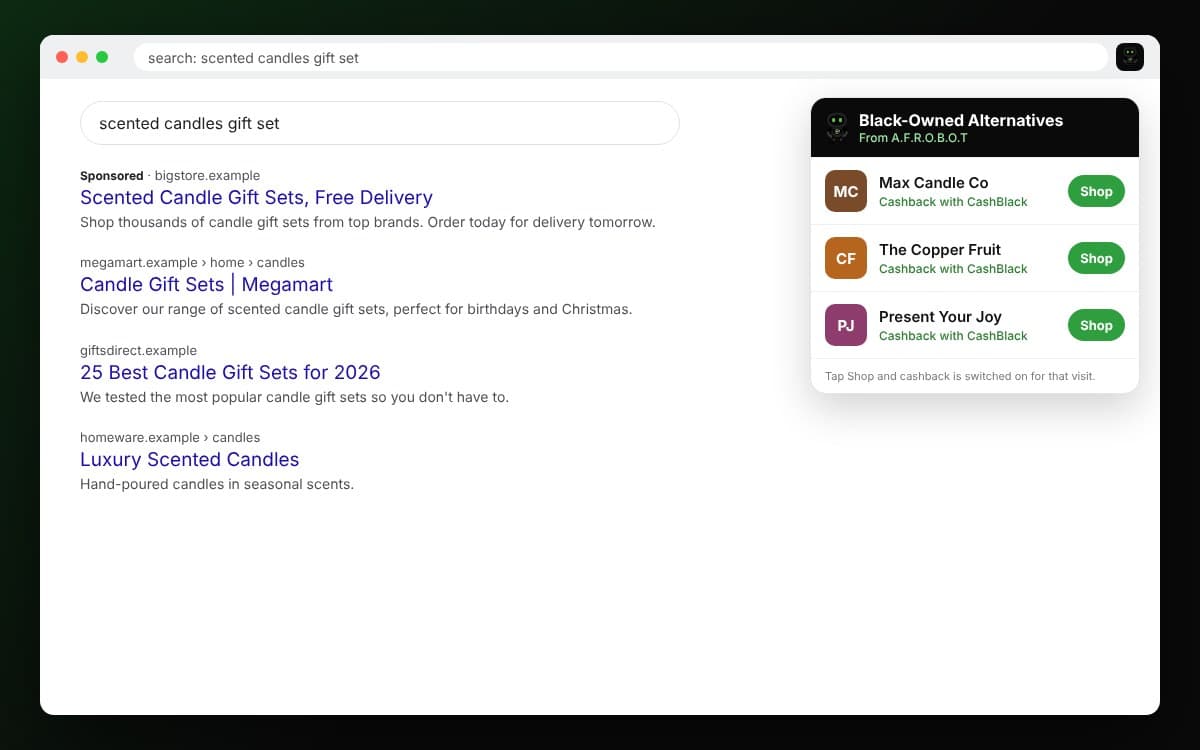
- Search for something and A.F.R.O.B.O.T shows Black-owned alternatives beside your results.
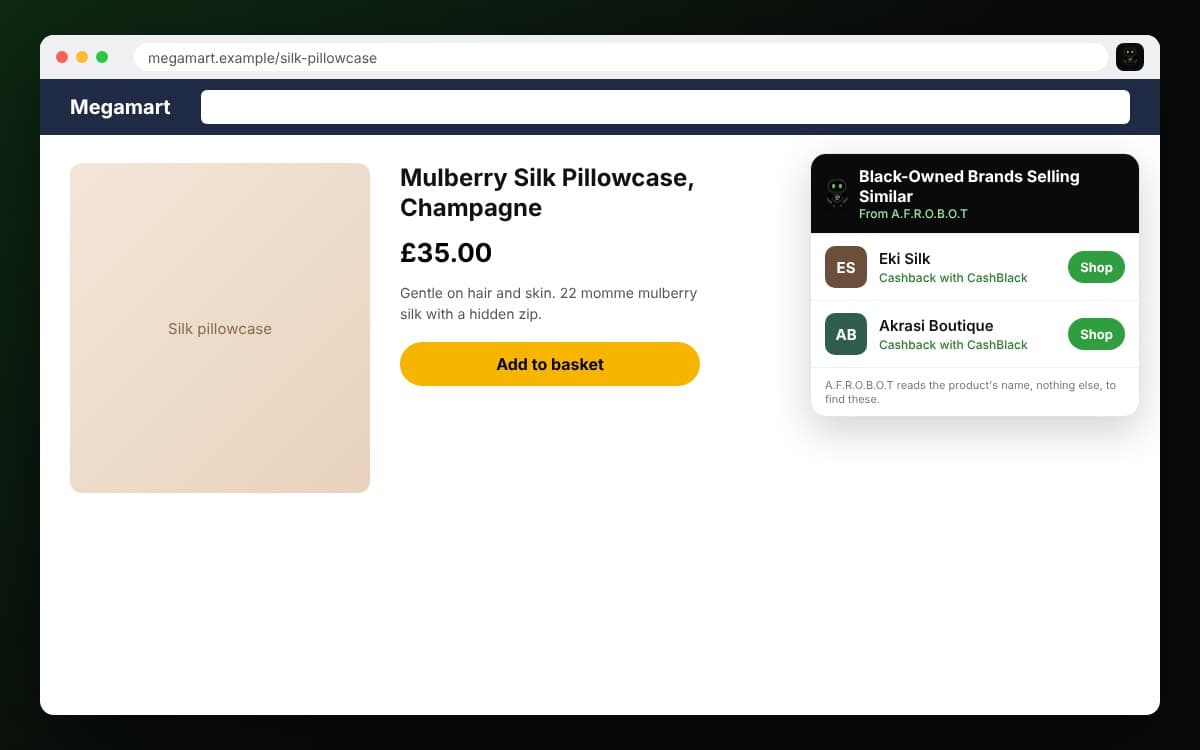
- Open a big retailer's product page and it shows Black-owned brands selling something similar.
- Click through from A.F.R.O.B.O.T and cashback is switched on for that visit, tracked to your CashBlack account.
Where It Works
- Safari on iPhone, through the CashBlack app.
- Chrome on a computer. Add it from our A.F.R.O.B.O.T page.
Getting Started in Safari on iPhone
Install or update the CashBlack app first, then:
- Open Safari and tap the extensions button in the address bar (the puzzle piece, or the page menu on some iPhones).
- Tap Manage Extensions and switch on CashBlack A.F.R.O.B.O.T UK.
- Tap CashBlack A.F.R.O.B.O.T UK in the same menu and choose Always Allow on Every Website.
- Sign in at cashblack.co.uk/extension/connect so your cashback tracks to your account.
Prefer Settings? Open Settings, then Apps, then Safari, then Extensions. Tap CashBlack A.F.R.O.B.O.T UK, switch it on and allow it on every website. Then sign in at cashblack.co.uk/extension/connect as above.
Why Every Website
Safari lets you allow an extension one website at a time. A.F.R.O.B.O.T needs to see the shop you're on to show you an alternative, and it needs to see CashBlack to sign you in. Allowing it on every website means it works wherever you shop, without asking again on each one.
Your Privacy
A.F.R.O.B.O.T itself keeps no shopping profile of you. To find an alternative it reads one thing: what you searched for on a search page, or the product's name on a product page. It doesn't read your browsing history, and your searches through it aren't recorded. When you click through to a brand, that click counts on your CashBlack account like any other, as our Privacy Notice explains. The full detail of what the extension reads is in our Browser Extension Policy.
Badges to Earn
Using A.F.R.O.B.O.T earns its own badges. Installed is your first sign in and First Swap is your first tracked purchase through it. Swapper, Brand Explorer, Category Explorer and Local Hero follow as you go. You'll find them with the rest of your badges in the app.
Turn it on once and every shop becomes a chance to back a Black-owned business.